
Deadline tracking for immigration operations teams
 By Mrunal Walke2 min read
Coordinate operational deadlines with a verified source, accountable owner, reminders, escalation, and a preserved change history.
On this page
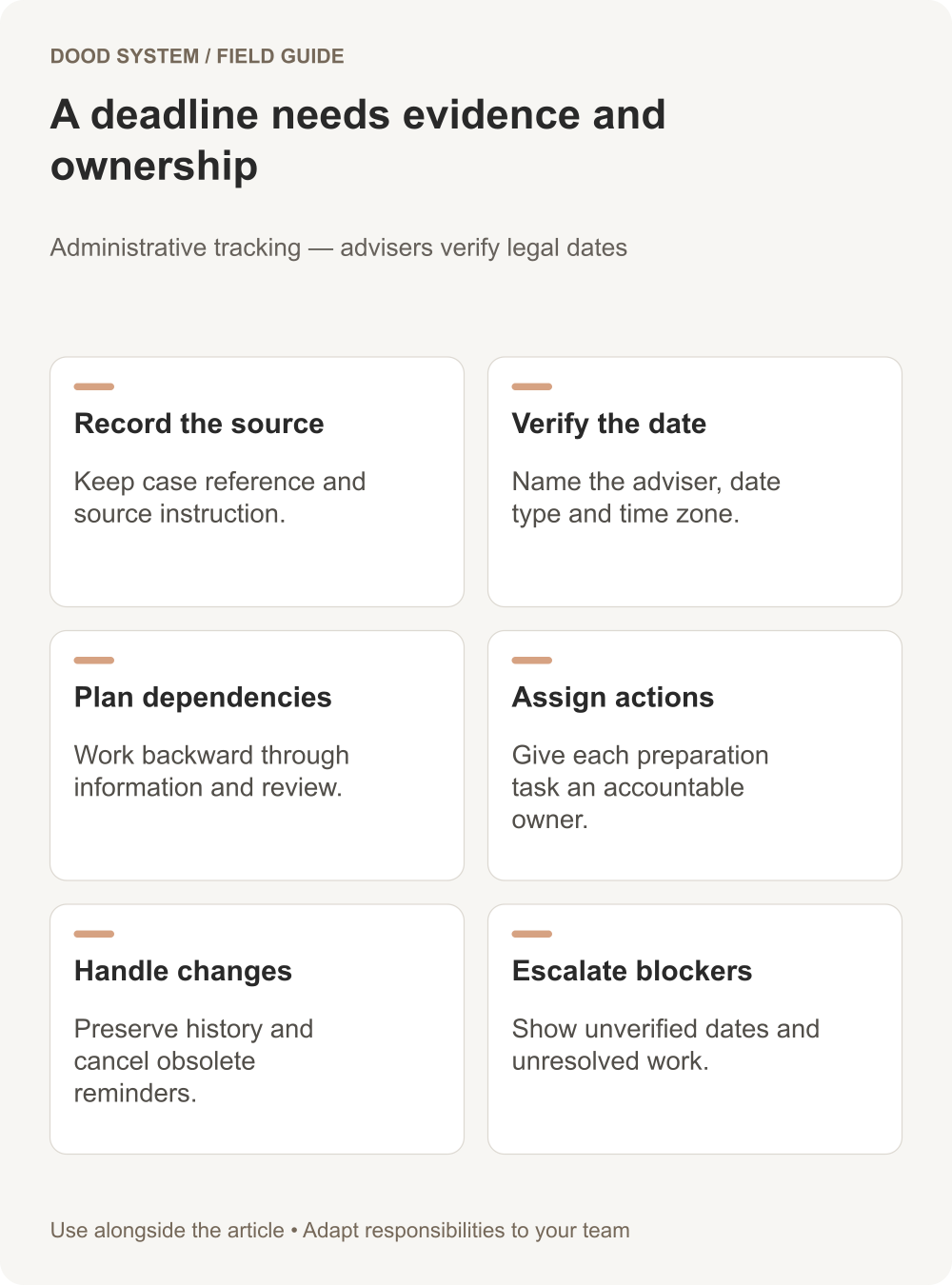
Deadline tracking for immigration operations should make responsibility and evidence visible. Store the date, its source, the person responsible for verifying it, and the work needed before it. The system should coordinate the team's actions; qualified advisers must determine legal deadlines and case-specific requirements.
Keep the source beside the date
A date without context is difficult to verify. Record the relevant case reference, source document or instruction, date type, time zone where applicable, verifier, and verification time. Distinguish an externally determined deadline from an internal preparation target.
Avoid calculating a legal due date from a generic rule copied into an automation. Route uncertain or changed dates to the responsible adviser for confirmation.
Work backward through dependencies
| Item | Accountable role | Evidence needed |
|---|---|---|
| Deadline verified | Responsible adviser | Confirmed date and source |
| Information ready | Case coordinator | Reviewed checklist status |
| Internal review | Designated reviewer | Review decision and open issues |
| Next action completed | Authorized case owner | Recorded completion evidence |
Adapt these roles to your actual organization. One person may hold several roles, but the system should still show which responsibility each task represents.
Make reminders actionable
A reminder should name the case, the required action, the owner, and the reason attention is needed. Escalate unresolved blockers to a defined backup. Do not send the same warning to a large group and assume that someone will take ownership.
ERPNext's notifications can support date- and condition-based messages. Test the conditions against the actual workflow, including paused cases and reassigned owners.
Preserve changes and late information
In a hypothetical case, a corrected source changes an operational date. Keep the prior value and the reason for the change, record who verified the correction, and review dependent tasks. Cancel obsolete reminders so the client and team do not receive conflicting messages.
A dashboard should highlight unverified dates, missing owners, unresolved preparation tasks, and overdue internal reviews. Show the underlying records so the coordinator can act on them.
Test the calendar boundaries
Use cases with different time zones, a changed date, a person on leave, and a completed task whose reminder is already queued. Verify the final state before sending anything to clients.
Start with our deadline tracking playbook and map your administrative reminder process.
