
From property inquiry to assigned owner: a workflow checklist
 By Mrunal Walke2 min read
Route property inquiries using a stable inquiry record, explicit assignment rules, and a visible queue for exceptions.
On this page
A property lead assignment workflow should give every inquiry a responsible owner and a next action without confusing the person with the property they asked about. Keep the contact record separate from individual inquiries so a second property request does not overwrite the first.
Capture the routing inputs
Record the inquiry source, property or location reference, requested service, contact details, submitted time, and relevant communication preferences. Where the source omits a property reference, route for clarification instead of inventing one from a vague message.
Preserve the external inquiry ID when a portal provides it. That helps recognize retries and connect replies to the original request.
Decide the assignment order
| Condition | Routing decision |
|---|---|
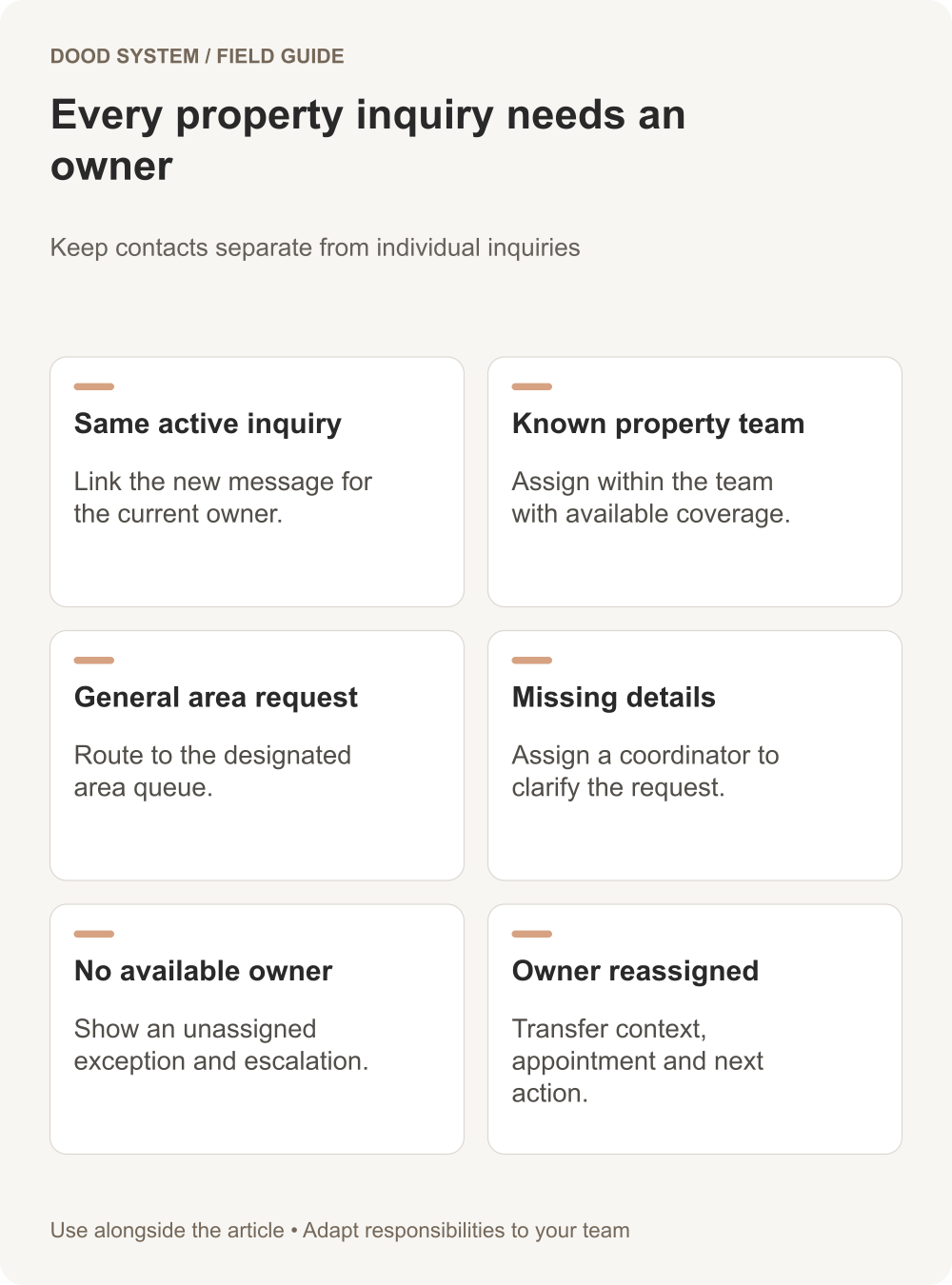
| Existing active inquiry about the same property | Link the new message for owner review |
| Known property team with available coverage | Assign within that team |
| General area inquiry | Route to the designated area queue |
| Missing or conflicting details | Assign an intake coordinator |
| No available owner | Keep a visible unassigned exception with escalation |
Round-robin assignment can distribute work, but it does not by itself account for property knowledge, coverage hours, or existing relationships. ERPNext documents several assignment-rule methods; choose the method that matches your operating rules.
Make reassignment explicit
In a hypothetical case, the assigned agent becomes unavailable after a viewing is arranged. Transfer the inquiry with its appointment details, correspondence, and next task. Record the new owner and make clear whether the original owner remains a participant.
Avoid silently assigning the same inquiry to several agents. If collaboration is required, designate a primary owner and name the supporting roles.
Confirm what happened after routing
Track assigned, first response, viewing arranged, clarification needed, and closed with a reason as separate events. An assignment notification does not prove that the inquiry received a response.
Build a daily view of unassigned inquiries, overdue next actions, upcoming viewings without confirmation, and failed communication attempts. Allow the coordinator to resolve the issue directly from the record where possible.
Test before connecting all sources
Run an ordinary portal inquiry, a repeated submission, a person asking about two properties, and an inquiry outside coverage hours. Verify the record relationships and next actions. Use sample data and avoid sending test messages to real prospects.
Start with the lead-to-client follow-up resource and map one property inquiry journey before expanding the routing rules.
