
Connecting POS and CRM data across retail locations
 By Mrunal Walke2 min read
Plan a POS and CRM connection around customer identity, transaction references, returns, and a visible reconciliation process.
On this page
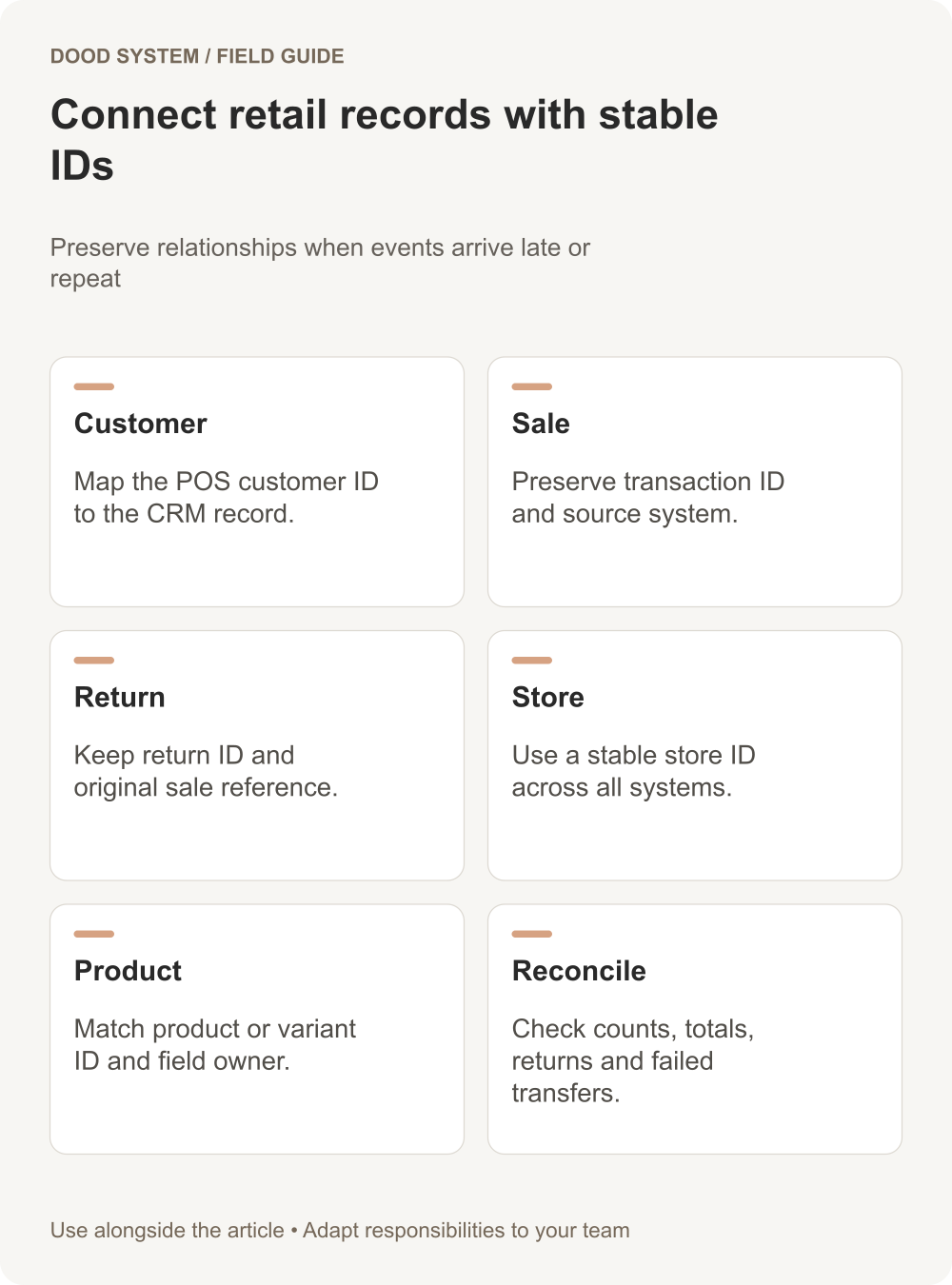
A POS and CRM integration should connect the information needed for a clear business purpose. Begin with the customer and transaction identifiers, then decide which fields move, which source owns them, and how corrections are handled. Avoid copying every available field simply because the API exposes it.
Define the smallest useful exchange
For a customer-service use case, the CRM may need a customer reference, order reference, store, date, and a purchase summary. An operational reporting use case may require transaction-level detail instead. Agree the purpose before defining the payload and access.
| Record | Identifier to preserve | Ownership question |
|---|---|---|
| Customer | POS customer ID and CRM mapping | Which source may change contact details? |
| Sale | Transaction ID plus source | Which events make a sale reportable? |
| Return | Return ID and original sale reference | How does a later return adjust reporting? |
| Store | Stable store ID | Who maintains store names and status? |
| Product | Product or variant ID | Which system maintains product definitions? |
An anonymous retail purchase should not become an invented CRM contact. Keep unidentified transactions separate unless the customer is legitimately identified through the agreed process.
Handle returns and corrections
In a hypothetical example, a customer buys in Store A and returns the item in Store B. Preserve both locations and link the return to the original transaction. Decide whether a sales report groups the return by processing date or original sale date, and label that choice.
Do not erase the original sale when a return arrives. A clear event history is easier to reconcile than a summary that silently changes.
Design for repetition and delay
Give each transferred event a stable identifier. Replaying a previously processed sale should not create another sale in the CRM. If events arrive out of order, the integration should retain enough context to resolve them or place them in a review queue.
Frappe's webhook guide describes event-triggered HTTP delivery. Whatever connector you choose, test the receiving logic and reconciliation as well as the delivery.
Reconcile before trusting dashboards
Compare source and destination counts and totals for a closed sample period. Inspect a return, a corrected customer, an anonymous sale, and a failed transfer. Track unresolved records with an owner and next action.
Use our store performance dashboard blueprint to define the reporting outcome, then discuss the connection requirements.
