
How to write an ERP requirements brief your team can use
 By Mrunal Walke2 min read
Write ERP requirements as business scenarios with owners, priorities, and acceptance evidence that vendors can demonstrate.
On this page
An ERP requirements document should explain what the business needs to accomplish and how it will recognize a working solution. Organize it around workflows and decisions, then connect those needs to modules and configuration.
Start with a business scenario
Choose a real task, such as receiving an order, purchasing stock, approving an expense, or closing a reporting period. Describe the trigger, people involved, inputs, outputs, and exceptions. State which part of today's process is causing difficulty without prescribing a technical solution too early.
A requirement such as better reporting is too vague to test. A more useful version is: the operations manager can see open orders by promised date, identify missing stock, and trace each total to its source orders.
Use this requirement template
| Field | What to write |
|---|---|
| Reference | A stable requirement ID |
| Business owner | The person responsible for the outcome |
| Scenario | The task and its trigger |
| Required behavior | What the user or system must do |
| Priority | Essential, useful, or later, with a reason |
| Acceptance evidence | A demonstration or reconciliation that proves it |
| Dependencies | Required records, decisions, or connected systems |
| Exception | What should happen when the ordinary path fails |
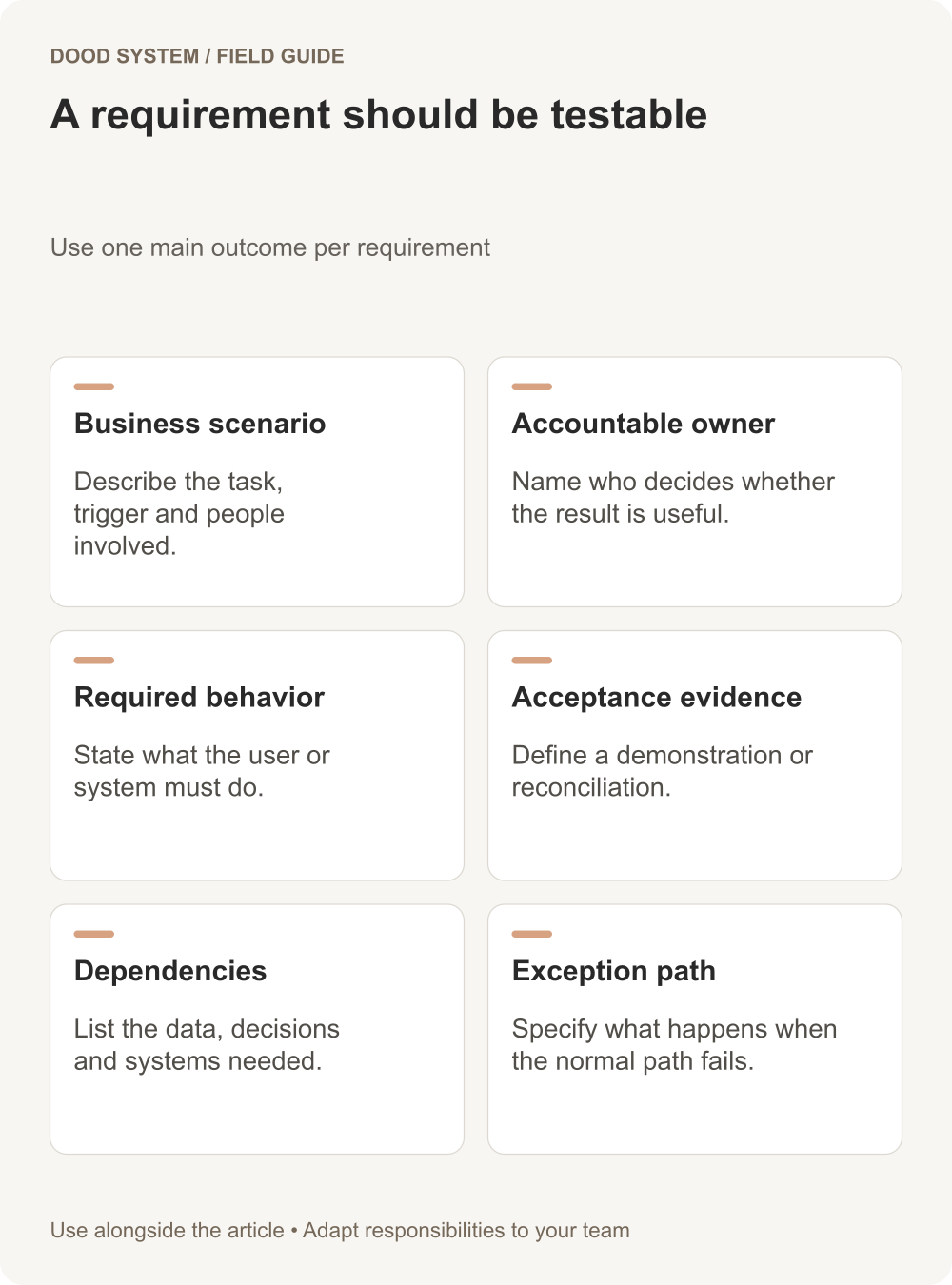
Give each requirement one main outcome. Large paragraphs that contain several unrelated needs make it hard to estimate work or identify partial delivery.
Example: an approval requirement
For a hypothetical purchasing process, define which role may request a purchase, who may approve it, and what happens if the approver is unavailable. Include the evidence needed in the audit history and the behavior when a request is returned for correction.
The acceptance test should use ordinary user accounts. Demonstrating the process only as an administrator can hide permission gaps that real staff will encounter.
Mark assumptions and unresolved decisions
Record expected data volumes, locations, currencies, integrations, and reporting periods, but distinguish confirmed facts from estimates. If two departments disagree about ownership, keep the issue visible. Software configuration cannot resolve an unmade business decision by itself.
Frappe's implementation guide discusses implementation planning. The template here turns that planning conversation into individual items that a team can demonstrate and accept.
Review the document with the people performing the work, not only project sponsors. Then use the same scenarios for vendor demonstrations, estimates, and acceptance testing. Discuss a focused ERP discovery session with one completed scenario to get started.
