
Automation versus integration: which problem are you solving?
 By Mrunal Walke2 min read
Distinguish automation from integration by separating decisions and actions from the movement of data between systems.
On this page
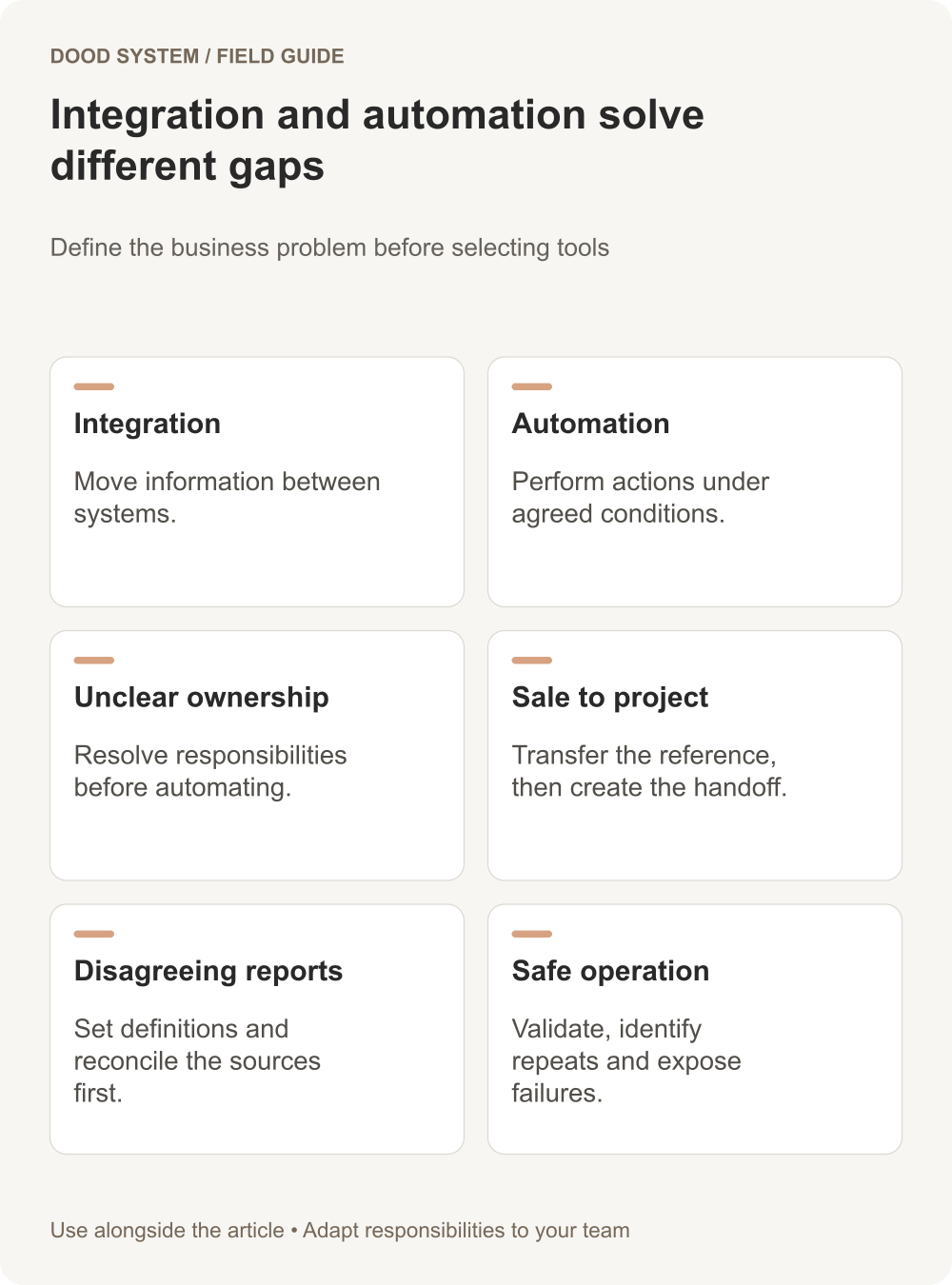
Integration connects systems so they can exchange information. Automation performs actions when agreed conditions are met. A project may need either or both. Start by identifying whether the problem is missing information, unclear process, or work that staff repeat manually.
Use a simple decision table
| Problem | Main work needed |
|---|---|
| Staff copy a customer address between applications | Integration with identity and field ownership rules |
| Nobody knows who should follow up | Process and ownership design |
| An owner repeatedly creates the same checklist | Automation around a defined trigger |
| A new sale must create a delivery project in another system | Integration plus automation |
| Two reports disagree about revenue | Definition and reconciliation work before automation |
The categories overlap, but separating them helps scope the project. Connecting tools does not automatically resolve an unclear approval process.
Example: a sale becomes a delivery project
In a hypothetical service business, an accepted engagement should create a project and assign a delivery lead. The integration transfers the engagement reference and agreed scope. The automation selects the task template and creates the handoff.
Before building either part, decide what accepted means, which source owns the scope, and what happens if no delivery lead is available. Also define how a later scope change reaches the project without erasing work already completed.
Document the connection contract
For each system boundary, record the source event, destination, unique identifiers, required fields, expected delay, and failure response. Clarify whether updates move in one direction or both.
Frappe's webhook documentation describes sending an HTTP request when a configured document event occurs. An event delivery is one building block; the receiving process still needs validation and a way to handle errors.
Add the operating rules
For each automated action, write a start condition, stop condition, owner, and completion evidence. If an action fails, someone should be able to see what happened and resume it safely. Repeated delivery of the same event should not create several projects or several client messages.
Choose the smallest useful first release
If record matching is unreliable, solve that before adding complex actions. If data already reaches the right place but ownership is unclear, clarify the workflow before buying another connector.
Test one ordinary event, one changed event, and one repeated event. Confirm the final business state in both systems. Use our workflow resources to frame the problem, or discuss an integration and automation brief around one actual handoff.
