
How to prevent duplicate CRM records in connected workflows
 By Mrunal Walke2 min read
Reduce CRM duplicates by defining record identity, matching rules, safe updates, and a human review path for ambiguous matches.
On this page
Preventing duplicate CRM records starts with deciding what makes a record the same person, company, or opportunity. Choose identifiers and matching rules before connecting forms, imports, and external systems. A duplicate-check setting cannot repair an ambiguous identity policy.
Match the right kind of record
A person, a company, and a deal are different entities. Two contacts may legitimately share a company address. One contact may have several deals. A shared mailbox may represent a team rather than one individual.
Where possible, keep the source-system record ID together with its source name. The pair identifies where the record came from. Do not assume that the number 123 in two different applications refers to the same customer.
A practical matching ladder
| Evidence | Suggested action |
|---|---|
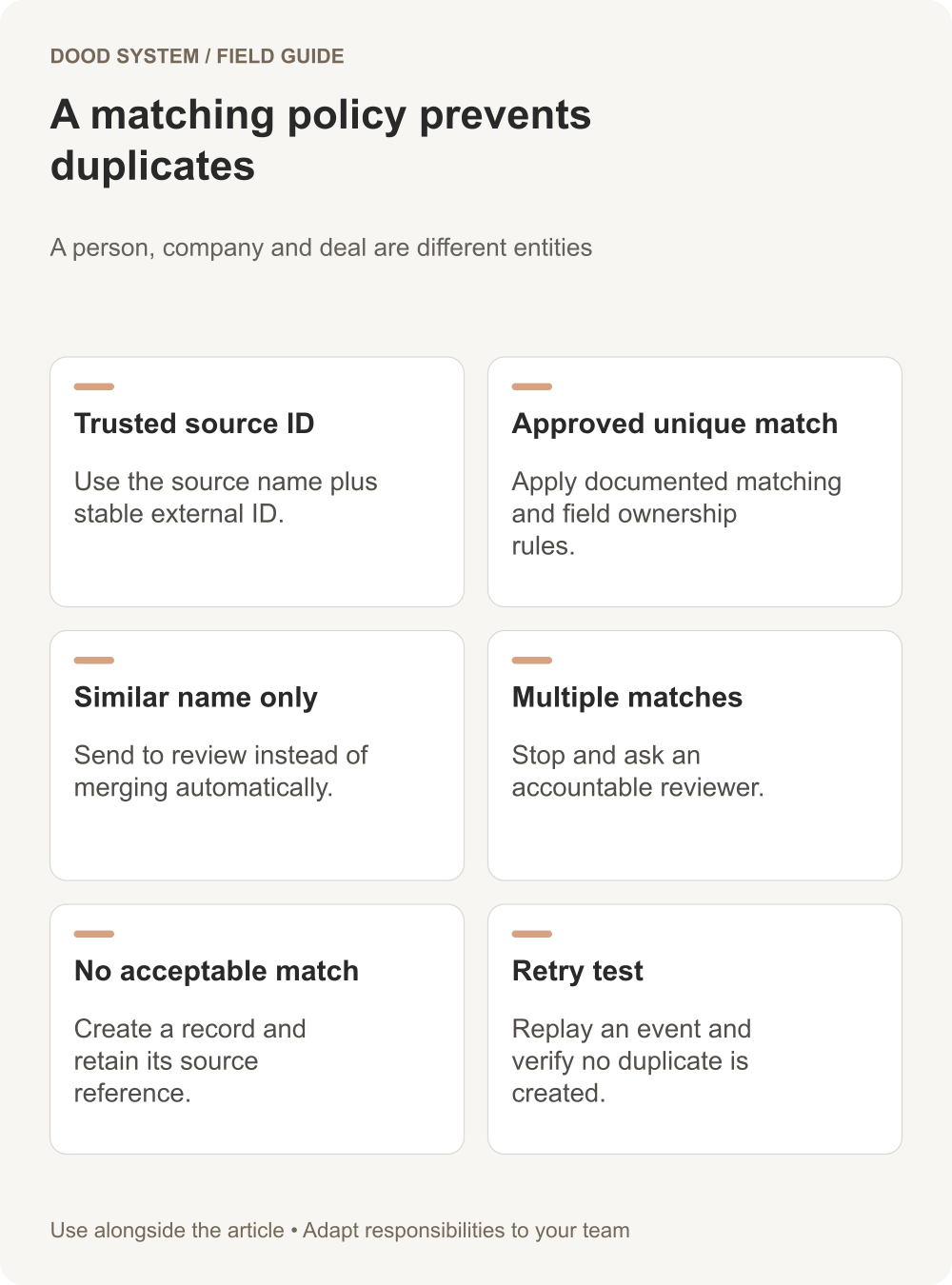
| Same trusted source and external ID | Update the linked record under field ownership rules |
| Exact approved unique field match | Apply the documented match policy |
| Similar name with different contact details | Send to review |
| Several possible matches | Stop automatic merging |
| No acceptable match | Create a new record and retain the source reference |
Normalize formatting carefully. Removing obvious whitespace is different from changing meaningful characters. Keep the original value where an audit or later correction may be necessary.
Upsert is a mechanism, not the policy
Zoho CRM's Upsert API can update or insert records using duplicate-check fields. Choose those fields deliberately and inspect each result; a matching rule can still select the wrong business entity if the data model is wrong.
Decide which source owns each field. A web form should not erase a verified address merely because the address was omitted from a later submission. Distinguish missing input from an explicit request to clear a value.
Test retries and concurrent submissions
In a hypothetical integration, a form submission reaches the CRM, but the sender times out before receiving the response. The retry should resolve to the same intended record. Test that situation using the submission identifier and your matching policy.
Also test two near-simultaneous submissions. Checking for a record and creating it in separate unprotected steps can produce duplicates under concurrency. Ask the implementer how the chosen system enforces the intended uniqueness.
Review before merging existing data
Keep a recoverable export, inspect related activities and deals, and record why records were merged. Start with a small reviewed sample. A mistaken merge can be more damaging than an unresolved duplicate.
For the broader integration brief, explore our workflow resources and bring a sample matching problem.
